Photo
AI Product Photography & Photo Editing
Turn a phone snapshot into a store-ready product shot. ReelWand's photo studio is a focused set of AI tools for e-commerce and photography — product photography, ghost-mannequin and on-model shots, background removal and replacement, jewelry and cosmetic retouching, photo restoration and upscaling. Each tool is a purpose-built studio with its own server-side style, so you brief the shot in plain language and get a consistent, commercial-grade image — no studio, no lightbox, no Photoshop.
👕Ghost Mannequin
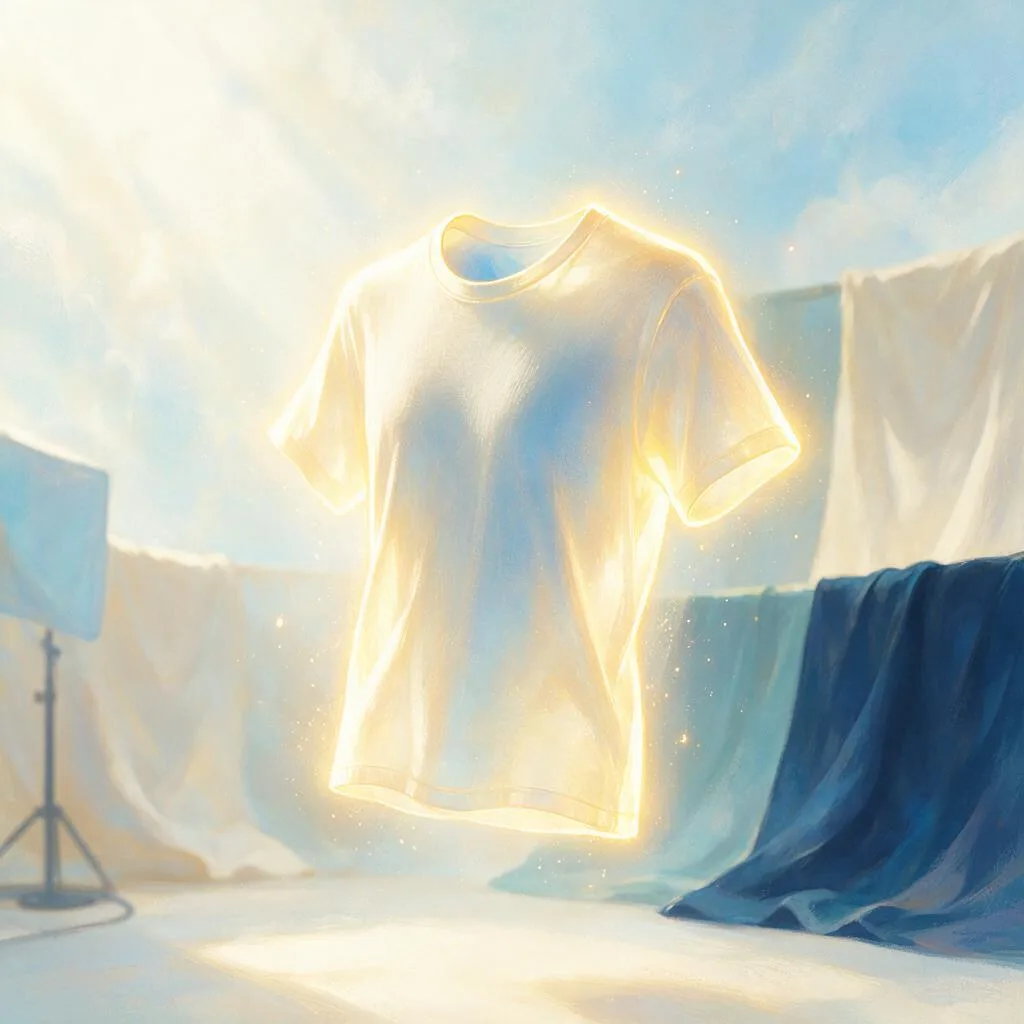
The invisible-model look, without the studio. Upload a flat-lay or a shot on a mannequin and Ghost Mannequin rebuilds the inner collar and back neck so the garment appears worn by a body that isn't there — hollow, dimensional, floating on clean white. It keeps your fabric, print and cut exactly, the 3D e-commerce shot that generic background removers can't fake.

💍Jewelry Retouch
The retouch jewelry actually needs. Upload a ring, watch or any shiny piece and it wipes out the reflections, dust and fingerprints that generic cleanup tools leave behind — the mirror-metal and gemstone problem that costs the most to fix by hand. Keeps your exact metal, stones and engraving, then tames the highlights into clean speculars on white or a soft gradient.

📸Product Shot Studio
Upload one plain phone snap and get a studio-grade hero shot ready for Amazon, Shopify, or Etsy. Product Shot Studio locks your exact product — every logo, label, and material stays true — then rebuilds the lighting, shadow, and background around it with real photographic physics. Pure-white marketplace mains or lifestyle scenes, in seconds, without the photoshoot invoice.
🖼️Photo Revival Studio
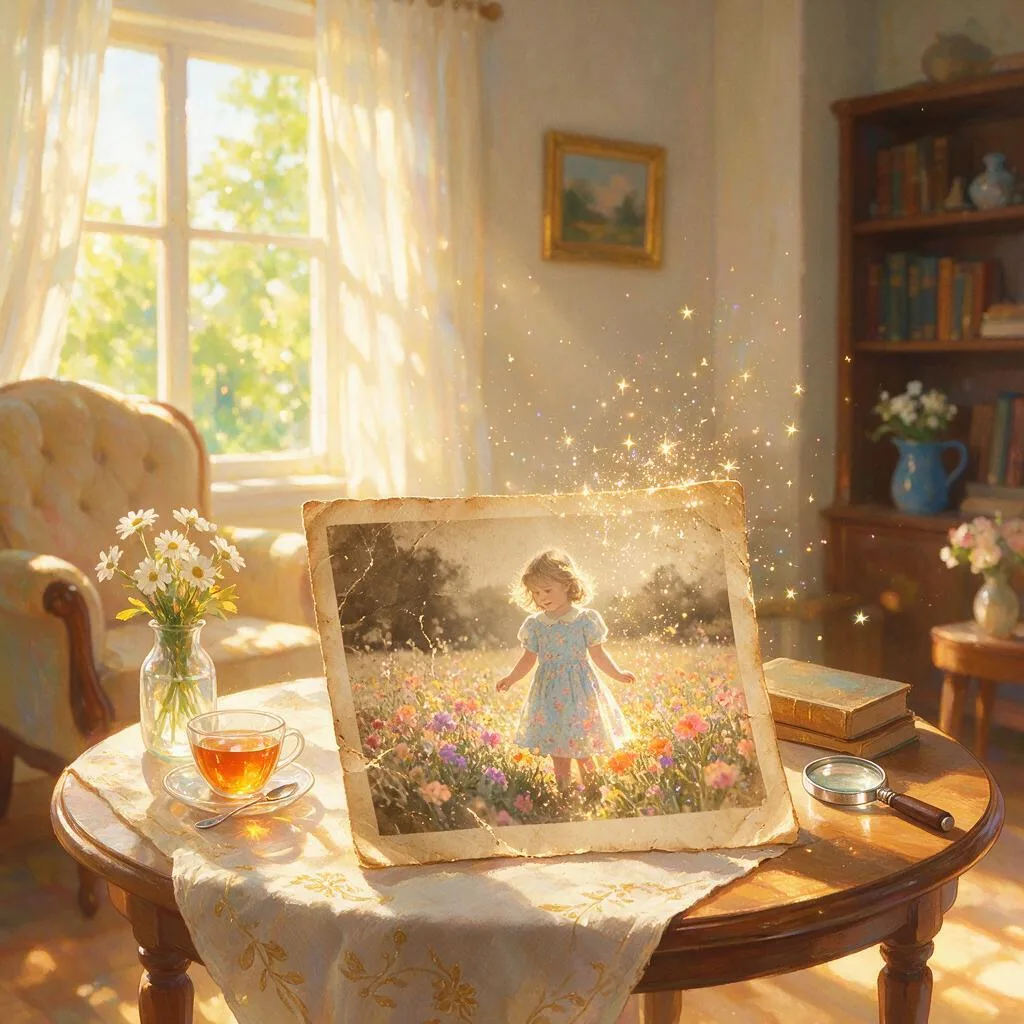
Bring faded, cracked, and blurry family photos back to life. Photo Revival Studio repairs scratches and tears, sharpens soft faces, colorizes black-and-white portraits, and clears grain — all while keeping the person unmistakably themselves. Upload one damaged photo and get back a clean, natural, print-ready keepsake of the people you love.
🔍Upscale Engine
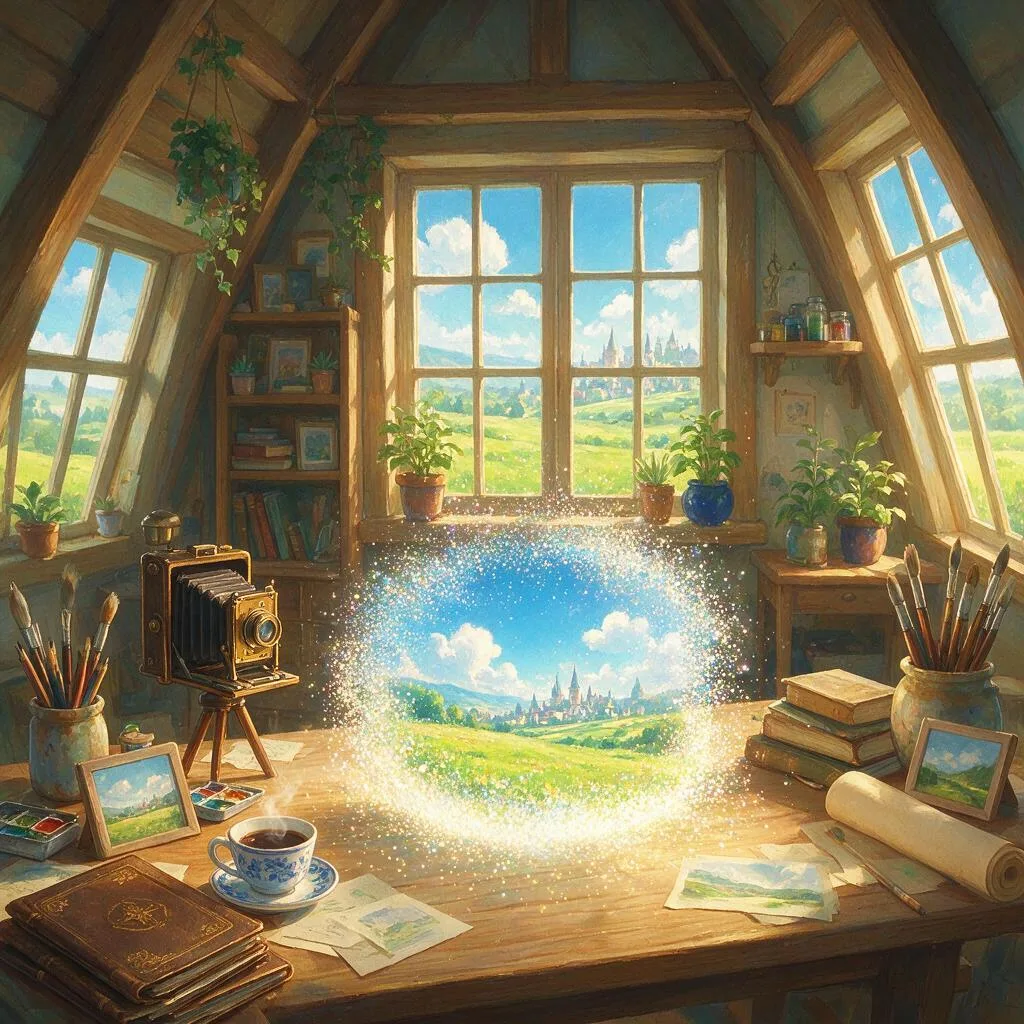
Drop in a soft, low-res, or old image and get back a crisp print-ready file scaled 2x to 8x. Upscale Engine rebuilds fine detail, texture, and edges while locking faces and product shapes to your original, so nothing warps or hallucinates. From billboard-scale artwork to salvaged family photos, it delivers resolution you can actually send to print.

🪄Object Eraser
Brush over the photobomber, the power lines, the stray trash can, or the ex — and watch it vanish. Object Eraser rebuilds the background behind whatever you remove, matching the original lighting, texture, and perspective so nobody can tell anything was ever there. Point, paint, done: a clean shot in seconds, no clone stamp, no learning curve.

🛋️Virtual Staging Studio
Upload one raw listing photo and get an MLS-ready, photoreal furnished room in seconds — the walls, windows, floors, and camera angle stay exactly as shot, only the furniture is new. Pick a style, from warm minimalism to coastal chic to modern farmhouse, and pull multiple staged looks from the same empty space. Skip the $2,500-plus physical staging bill and the moving trucks entirely.
🚗Auto Studio
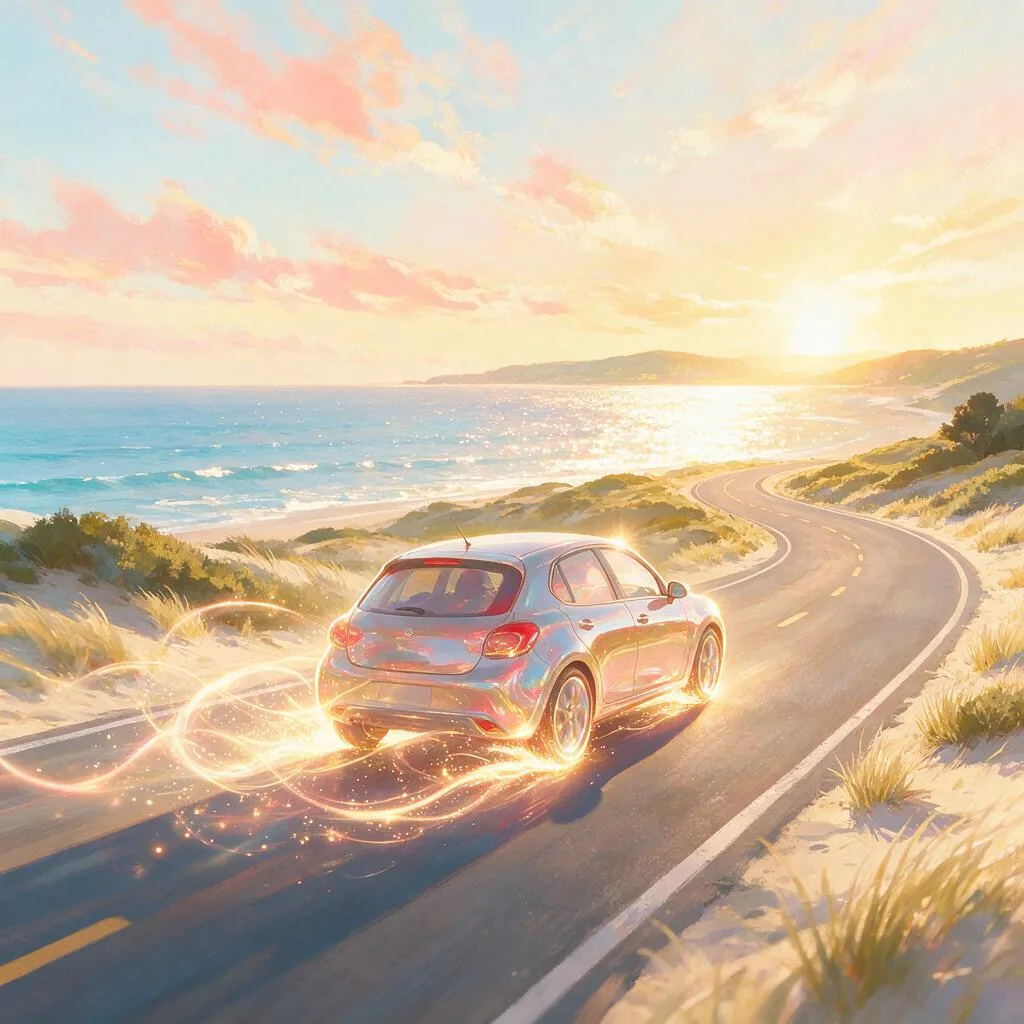
Upload one phone snap of your car and get a dealership-grade hero shot — restaged, relit, and repainted or wrapped, with the exact model, badges, and plate left untouched. Auto Studio locks your real vehicle down to its body lines and wheel design, then rebuilds the finish, setting, and light around it with true clearcoat reflections and a grounded contact shadow. Preview a new color, satin wrap, wheel set, or mild drop in seconds — no detailing bay, no photographer, no reshoot.

🗼Giant Product Studio
Upload one product photo and blow it up to monument scale — your bottle towering over a rush-hour intersection, your sneaker rising from the harbor, your snack bag installed like a landmark in the cereal aisle. Giant Product Studio locks your exact product — label, shape, colors, finish — then rebuilds the world around it with tiny crowds, traffic, haze and cinematic light that sell the impossible scale. The scroll-stopping ad format, repeatable for every SKU and every campaign — no 3D artist, no compositor, no location shoot.

👔Flat-Lay Studio
Upload one photo of an outfit — worn in the mirror, on a hanger, or tossed on the bed — and get back a clean, styled flat-lay: every piece laid out neatly on washed linen, weathered wood, or seamless paper with coordinated accessories and bright top-down catalog light. Flat-Lay Studio locks the exact fabric, print, and colorway of each garment, so the shot shows the actual item a buyer receives. Built for Poshmark, Depop, and Vinted resellers and OOTD creators — shoot the pile on the bed and list the whole batch tonight.

🎄Holiday Card Studio
Upload one family, couple or pet photo and step into a festive, card-ready scene — a cozy Christmas fireside, a snow-globe street, elegant New Year gold, Lunar New Year red-and-gold, or Diwali lights. Holiday Card Studio locks every face to the real likeness while the scene, wardrobe accents and light turn festive around them, so grandma still recognizes everyone on the card. One clear photo is all it takes — no batch of selfies, no reshoot in matching sweaters. Download the scene and add your greeting in Canva.

🍼Announcement Studio
Upload one couple, bump or baby photo and turn it into the announcement you actually want to post — a pregnancy reveal, a monthly bump milestone, a pink-or-blue gender reveal, or a newborn birth announcement. Announcement Studio keeps your faces and the honest size of your real bump locked while it restages everything around you: a golden-hour wildflower field, an elegant studio drape, soft nursery light. It is the maternity photoshoot without booking one — and it carries you through all nine months, from the week you find out to the day the baby arrives.

⬜White Background Studio
Upload one phone snap and get a pure-white marketplace main image that passes Amazon and eBay listing rules. White Background Studio locks your exact product — every logo, label and material stays true — then drops it onto seamless #FFFFFF white, relit with soft even studio light and a crisp contact shadow so it sits on the surface instead of floating. One clean main shot per SKU, no lightbox, no reshoot.

🌑Shadow Studio
Turn a flat cutout into a grounded product shot. Upload a background-removed or plainly-lit product and Shadow Studio adds the light that sells it — a soft natural contact shadow, a directional drop shadow, or a clean mirror reflection — matched to one believable light source so the product stops floating. Your exact product is untouched; only the shadow and surface are built underneath it.

🌈Color Variant Studio
Photograph a product once and list every colorway. Upload one shot and Color Variant Studio recolors it into a matched set of variants — each keeping the exact form, material, texture, lighting and angle, changing only the color — so your swatch grid looks shot in one session instead of stitched from mismatched frames. The finish stays true: matte fabric stays matte, a glossy case stays glossy, seams and highlights follow the new hue.
Photo guides
- Nano Banana: Google’s Character-Consistent AI Image Editor, Explained
- Seedream 5.0: ByteDance’s Photoreal AI Image + Editing Model, Explained
- Best AI Background Remover in 2026
- Best AI Mockup Generator in 2026
- Best AI Photo Enhancer in 2026
- Best AI Photo Restoration Tools in 2026
- Best AI Product Photography Tools (2026)
- Best AI Virtual Staging Software (2026)