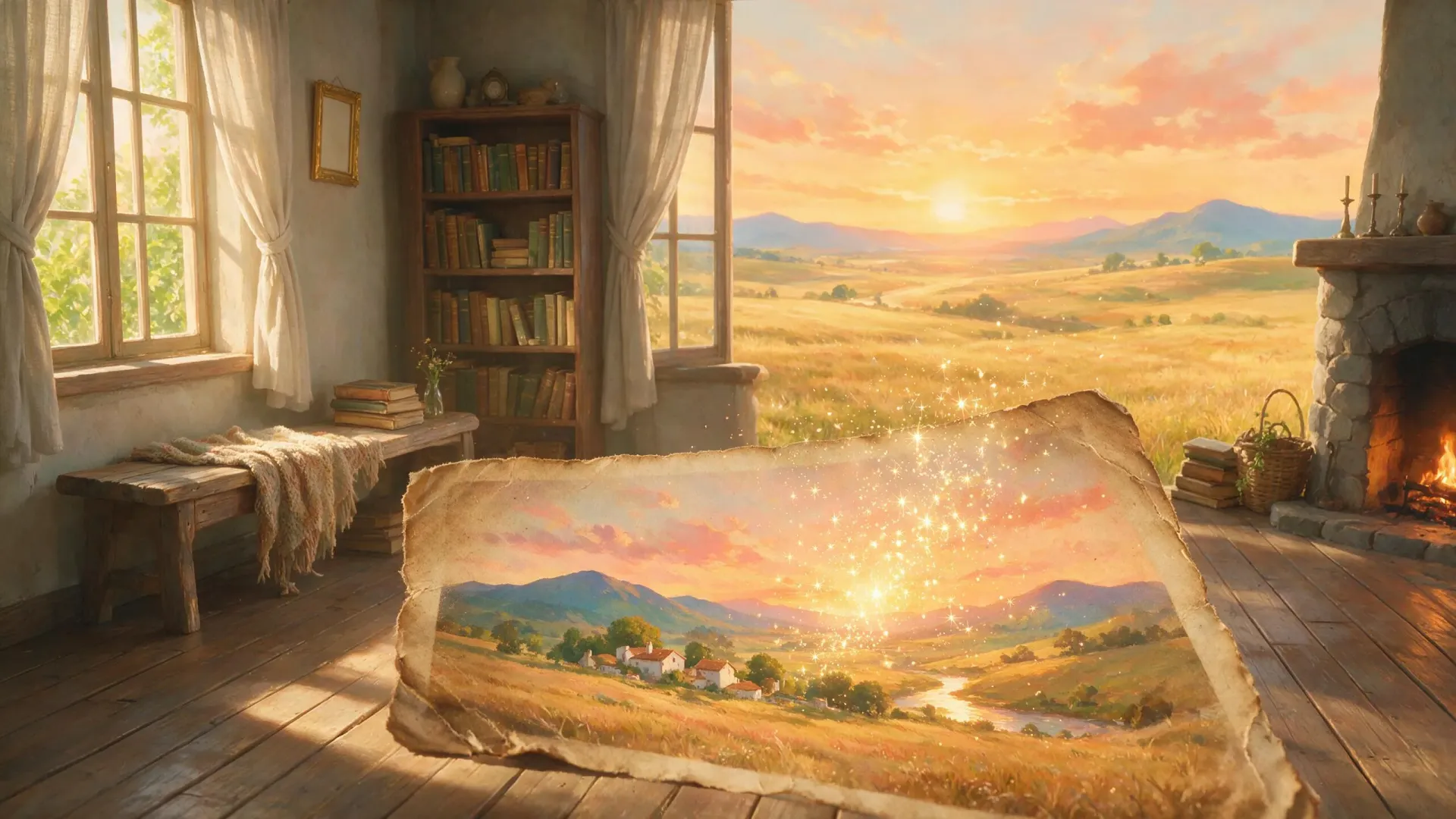
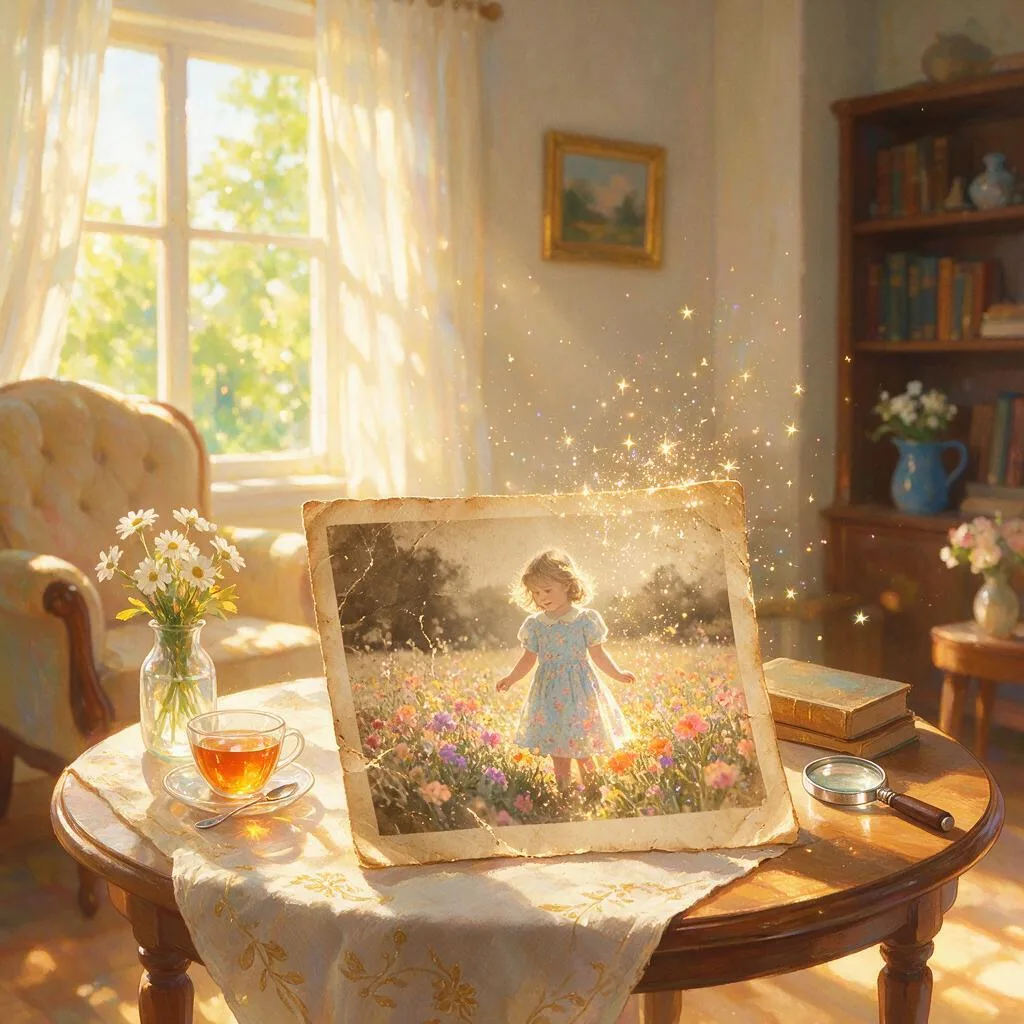
Bring faded, cracked, and blurry family photos back to life. Photo Revival Studio repairs scratches and tears, sharpens soft faces, colorizes black-and-white portraits, and clears grain — all while keeping the person unmistakably themselves. Upload one damaged photo and get back a clean, natural, print-ready keepsake of the people you love.
AI Photo Restoration — Photo Revival Studio
Photo Revival Studio is an AI photo restoration agent that brings faded, cracked and blurry family photos back to life. Upload a scan or a phone photo of the print and it repairs scratches and tears, sharpens soft faces, colorizes black-and-white portraits and clears grain — all while keeping the person unmistakably themselves. Because it runs as a session with memory, each pass builds on the last render, so you tune the restoration instead of starting over. It is built for anyone digitizing shoeboxes of prints, a family archive or a single irreplaceable portrait.
Repair scratches, tears and water damage
Physical damage is where most auto-enhance tools give up. A crease through a cheek, a torn corner, a water stain across a 1970s reunion photo — Photo Revival Studio reads what is actually damaged and rebuilds those regions, while leaving the healthy parts of the image untouched. The repair follows the logic of the scene, so healed areas pick up the right skin texture, fabric weave or background detail instead of a smeared patch.
You direct the work in plain language: “remove the crack, keep her face”, “heal the stain in the corner”. The agent treats each instruction as a targeted fix rather than a blanket effect, which is what keeps a repaired print looking like the original photograph, only intact.
Colorize black-and-white photos with natural tones
For black-and-white and sepia portraits, the agent infers natural skin, hair, fabric and background tones and applies them with restraint — the goal is a photo that looks like it was shot on color film, not a tinted overlay. Skin reads warm and alive, clothing keeps its texture, and backgrounds settle into believable period color.
Colorization is adjustable like everything else in the session: ask for warmer skin, or tell it the dress was actually blue, and the agent revises the previous render rather than re-rolling the whole image.
Restoration that keeps the person themselves
The hardest part of restoring a damaged portrait is not the damage — it is sharpening a soft face without turning it into a stranger. Weak tools “fix” a blurry grandmother by inventing a new one: slightly different eyes, a smoothed-over jaw, a face the family no longer recognizes. Photo Revival Studio holds the restoration to the original face, so repairs, sharpening and colorization stay on the real person. A restored keepsake only works if the people in it are still your people.
Refine in a session instead of re-uploading
Restoration is rarely one pass. The studio runs as a continuous session with memory: after the first render you can ask for a lighter touch on the grain, more sharpening on the eyes or a different colorization direction, and the agent adjusts from the previous result — no re-uploading, no losing the progress you liked. When the photo is right, download it at full resolution, ready for printing or sharing.
What you can create with Photo Revival Studio
- Scratch- and tear-repaired scans of damaged prints and negatives
- Sharpened, denoised portraits where soft or blurry faces read clearly again
- Colorized versions of black-and-white and sepia photos with natural skin tones
- Print-ready, full-resolution files restored from damaged originals
Sample prompts to try
- 🖤 A cracked black-and-white portrait of a young grandmother, colorized and unblurred
- 📸 A water-stained 1970s family reunion photo, scratches healed and faces sharpened
How to use Photo Revival Studio
- 1Upload a scan or phone photo of the old print — creases, glare and all.
- 2Say what to fix in plain language ("remove the crack, colorize, keep her face").
- 3Generate, then refine on the previous render instead of re-uploading — the agent remembers the shot and adjusts from there.
- 4Download the restored file at full resolution for printing or sharing.
Photo Revival Studio vs. generic AI image tools
| Generic AI image tools | Photo Revival Studio |
|---|---|
| Auto-enhance boosts the whole image and stops there | Reads the actual damage — tears, stains, soft eyes — and rebuilds those regions |
| Sharpened faces drift into strangers | Restoration is held to the original face, so the person stays themselves |
| Colorization looks like a tinted overlay | Natural skin, hair and fabric tones you can nudge in plain language |
| Every attempt starts from a fresh upload | A session with memory refines the previous render pass by pass |
| Output capped at screen resolution | Full-resolution downloads ready for print |
Who should use Photo Revival Studio
Families digitizing shoeboxes of prints
Work through a stack of damaged photos one by one — each upload gets targeted repairs, and the results come back clean, natural and consistent enough to sit together in an album.
Anyone with a single irreplaceable portrait
When there is only one photo of a grandparent, you cannot afford a tool that invents a new face. The restoration stays on the real person, and you refine gently in a session until it is right.
Family historians and genealogy researchers
Cleared grain, healed tears and readable faces make old records easier to identify, share and archive — and colorized versions bring ancestors closer for the rest of the family.
People making memorial and anniversary prints
A restored, full-resolution file turns a cracked print into a framed keepsake — colorized or faithfully black-and-white, ready for the print shop.
Frequently asked questions
Will the restored photo still look like my relative?
Yes — identity is the whole point. A server-side style DNA holds the restoration to the original face, so repairs, sharpening and colorization stay on the real person instead of inventing a new one. Session memory means each pass builds on the last render, so you tune rather than re-roll and lose the likeness.
How is this different from a one-tap filter or auto-enhance?
A filter sharpens and boosts contrast across the whole image and stops there. Photo Revival Studio reads what is actually damaged — a tear through a cheek, a soft eye, a missing corner — and rebuilds those regions while leaving the rest untouched, with the person’s identity locked the whole time.
Can it colorize black-and-white and sepia photos?
Yes. It infers natural skin, hair, fabric and background tones for black-and-white or sepia portraits, and you can nudge the result — "warmer skin", "keep the dress blue" — by iterating on the previous render.
Do I need a proper scanner, or is a phone photo enough?
A phone photo of the print works. Shoot it flat in even light and upload it as-is — creases, glare and all. A flatbed scan gives the agent a little more detail to work with, but it is not required for a good AI photo restoration result.
Can I adjust the restoration after the first result?
Yes. The studio runs as a session with memory, so you can ask for a lighter touch on the grain, more sharpening on the eyes or a different colorization without re-uploading — the agent adjusts the previous render rather than starting over.
Can I print the restored photo?
Yes — restored files download at full resolution, so they hold up framed on a wall or in a photo book, not just on a screen.
How much does it cost?
You can start for free. Paid plans add monthly credits — see the pricing page for current plans.
Related guides
- How To Restore Old Photos With AI
- Best AI Photo Enhancer
- How To Upscale An Image With AI
- Best AI Image Generator 2026
- Nano Banana
Part of ReelWand's Photo tools — a focused suite of AI photo studios.
More photo agents
Photo Revival Studio is one of 74 specialized visual agents on ReelWand. Explore the full catalog or browse the AI model guides. Start free, or see plans and pricing.