
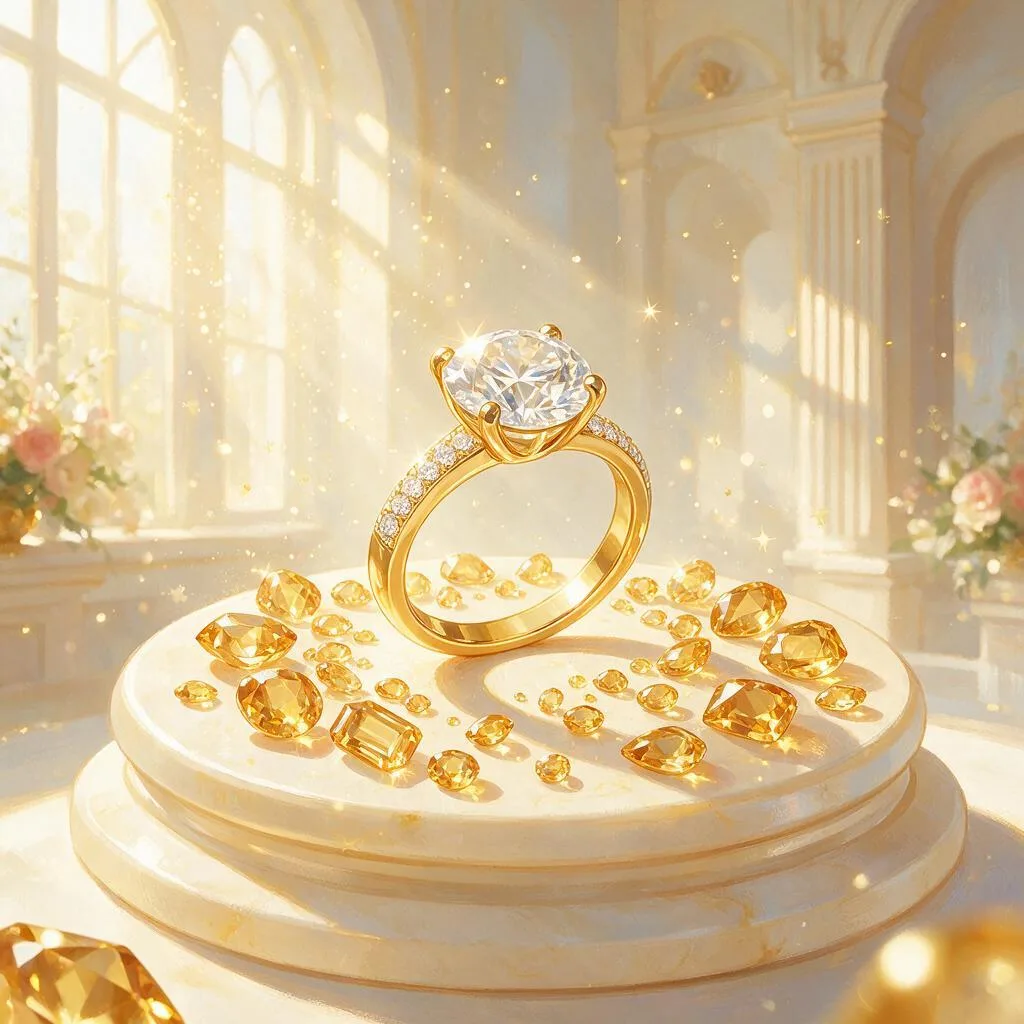
The retouch jewelry actually needs. Upload a ring, watch or any shiny piece and it wipes out the reflections, dust and fingerprints that generic cleanup tools leave behind — the mirror-metal and gemstone problem that costs the most to fix by hand. Keeps your exact metal, stones and engraving, then tames the highlights into clean speculars on white or a soft gradient.
Jewelry Photo Retouching — Jewelry Retouch
Jewelry Retouch does the jewelry photo retouching that reflective products actually need. Upload a ring, watch, necklace or any shiny piece and it removes the mirror reflections, dust, lint and fingerprints that generic cutout tools leave behind, and tames blown highlights into clean speculars — while keeping your exact metal, stones and engraving. It is the most expensive retouch to do by hand, automated, and priced to run across a whole catalog. The result is a listing-ready shot on pure white or a soft neutral gradient.
Remove reflections from metal and gemstone facets
Polished metal is a mirror — it reflects the room, the lights and the camera that took the photo, and those reflections are the first thing that makes a jewelry shot look amateur. This agent targets them directly: the mirrored environment on a band, the hotspot bouncing off a bezel, the murky reflections trapped in a stone. It clears them while keeping the metal reading as metal, so the piece still looks polished rather than painted.
Gemstones get the same discipline. Facets keep their real cut and honest sparkle — the goal is a clean stone, not an over-smoothed blob that no longer looks like the item you are selling.
Dust, lint and fingerprints, gone
At product-photo magnification, every speck shows: dust settling on a watch crystal, lint caught in a prong setting, a fingerprint ghosted across a polished band. Cleaning these by hand is slow, per-image work — it is why manual jewelry retouching is among the most expensive in product photography. The agent clears the metal, crystal and stones of that debris in one pass while leaving the surfaces beneath authentic, so the piece looks freshly handled with gloves rather than digitally scrubbed.
Glare tamed into controlled highlights
Shiny products need highlights — a spec-free piece looks dead — but blown-out glare erases detail and hides the dial, engraving or stone under a white blob. The agent pulls those hotspots back into controlled speculars: bright enough to read as polish, contained enough that every surface detail stays visible. Your exact piece is treated as ground truth throughout — the metal tone, gemstone color and clarity, the cut, setting, engraving and hallmarks all stay true, because the retouch cleans and relights the surface rather than restyling the jewelry.
A consistent retouched set across your catalog
One clean hero shot is a start; a store needs the whole catalog to match. Because the studio runs as a session with memory, you can retouch a ring, then a pendant, then a watch, and the agent carries the same background, highlight treatment and framing forward, so the collection reads as one shoot. Ask for pure white for marketplace mains or a soft neutral gradient for your own store, and download everything at full resolution.
What you can create with Jewelry Retouch
- A ring or watch photo with reflections, dust and fingerprints removed
- Controlled speculars on polished metal instead of blown-out glare
- Clean gemstone facets with honest sparkle, not an over-smoothed blob
- Marketplace mains on pure white, or a soft neutral gradient
- A consistent retouched set across an entire jewelry catalog
Sample prompts to try
- 💍 Remove the reflections and fingerprints from my ring photo, clean white background
- ⌚ Kill the glare on this watch face and dust the crystal, keep the engraving
How to use Jewelry Retouch
- 1Shoot the piece in soft light against a plain surface — a little glare is fine.
- 2Upload it and ask to remove reflections, dust and fingerprints.
- 3The agent cleans the metal and stones and tames highlights, keeping the setting true.
- 4Download the retouched shot on white or a soft gradient for your listing.
Jewelry Retouch vs. generic AI image tools
| Generic AI image tools | Jewelry Retouch |
|---|---|
| Cut out the background, leave the room mirrored in the metal | Removes mirror reflections of the room and camera from the piece itself |
| Dust, lint and fingerprints survive the edit | Clears debris from metal, crystal and stones in one pass |
| Blown glare stays a white blob over the detail | Pulls hotspots back into controlled speculars that keep detail visible |
| Smoothing filters blur facets and engraving | Metal tone, stones, cut, setting, engraving and hallmarks held true |
| Each photo edited alone, look drifts across a catalog | A session with memory keeps a whole catalog consistent |
Who should use Jewelry Retouch
Independent jewelry makers and Etsy sellers
Professional jewelry retouching is priced per image and adds up fast on handmade margins. Shoot in soft light at home and let the agent do the reflection, dust and glare cleanup that would otherwise cost the most.
Jewelry brands with a full catalog
Run every SKU through the same session and get a matching set — same background, same highlight treatment, same framing — instead of a catalog where every listing was retouched slightly differently.
Watch sellers and resellers
Watch photos fail on the crystal: glare across the dial, dust on the glass, the photographer reflected in the case. The agent cleans all three while keeping the dial and engraving readable.
Marketplace sellers who need clean white mains
Get pure-white listing images with the piece cleaned and the highlights controlled, ready to upload — without learning frequency separation in a photo editor.
Frequently asked questions
Can AI remove reflections from a jewelry photo?
Yes — reflections on polished metal and gemstone facets are exactly what this agent targets. It removes mirror reflections of the room and the camera, clears dust, lint and fingerprints, and pulls blown specular hotspots back into controlled highlights, while keeping the metal tone and the stones’ real color and sparkle intact.
Will it keep my metal color and gemstones accurate?
Yes. The piece is treated as ground truth: the metal tone (yellow gold, white gold, platinum, rose gold), the gemstone color and clarity, the cut, setting, engraving and hallmarks are all held true. It cleans and relights the surface rather than restyling the jewelry, so the retouched photo still shows the exact item.
Why not just use a general photo cleanup or background remover?
General tools cut out the background but leave the hardest problems — the room and camera mirrored in the metal, fingerprints on a polished band, dust caught on a facet, and glare hotspots. Those are the highest-cost parts of a manual jewelry retouch, and they are what this agent is built to fix.
Does it work for watches and other reflective products?
Yes. Watches, polished metal, glass and other mirror-finish products have the same reflection, dust and fingerprint problems as jewelry, and the same retouch applies — clean the crystal, kill the glare, keep the dial or engraving true, and present it on clean white or a soft gradient.
What kind of photo should I upload?
A phone shot in soft, even light against a plain surface is enough — a little glare, some dust and visible reflections are fine, since removing those is the point of the retouch. Sharper and better-lit source photos give the agent more true detail in the metal and stones to preserve.
Can I change the background after retouching?
Yes. The studio runs as a session with memory, so once the piece is clean you can ask for pure white for a marketplace main, then a soft neutral gradient for your own store, and the agent switches the presentation while keeping the retouched piece untouched.
How much does it cost?
You can start for free. Paid plans add monthly credits — see the pricing page for current plans.
Related guides
- How To Remove Reflections From Jewelry Photos
- Best AI Product Photography Tools
- Best AI Photo Enhancer
- How To Make AI Product Photos
- Nano Banana
Part of ReelWand's Photo tools — a focused suite of AI photo studios.
More photo agents
- Ghost Mannequin
- Product Shot Studio
- Photo Revival Studio
- Upscale Engine
- Object Eraser
- Virtual Staging Studio
Jewelry Retouch is one of 74 specialized visual agents on ReelWand. Explore the full catalog or browse the AI model guides. Start free, or see plans and pricing.