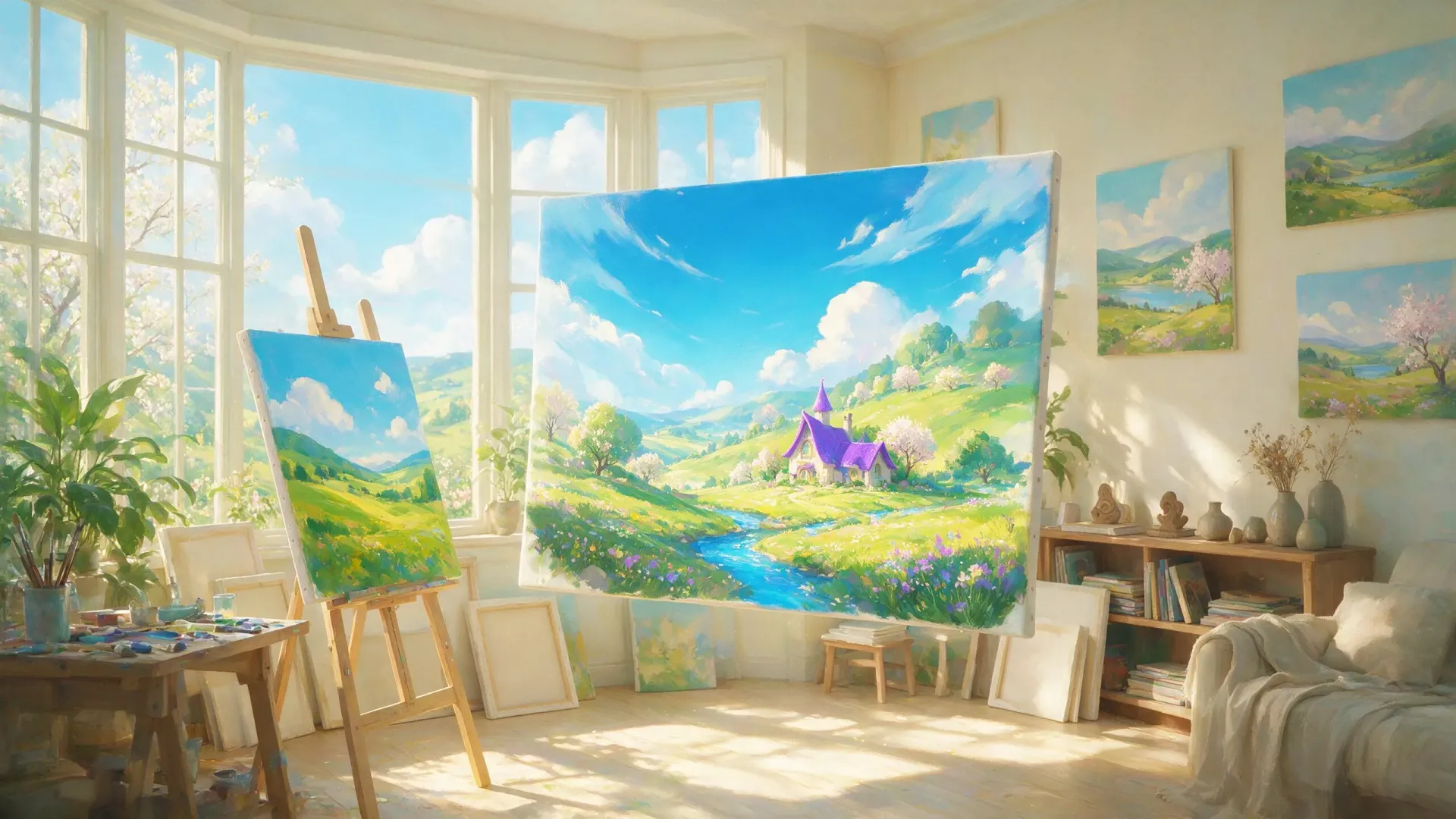

Your all-purpose image studio: describe anything and get a clean, well-composed illustration back, whether that's a flat vector icon, a painterly poster, an anime keyframe, or a photoreal product shot. Steer the look with a thousand-plus style presets and reference uploads, then iterate fast until the frame lands. One canvas for every visual idea, no model-hopping required.
AI Illustration Generator — Illustration Canvas
Illustration Canvas is an AI illustration generator that turns a written brief into a finished, well-composed illustration. You describe the subject and name the look — a flat vector icon, a painterly poster, an anime keyframe, a photoreal product shot — and it composes the frame, balances the palette and returns art you can drop straight into a deck, a store page or a print. Over a thousand style presets and reference uploads steer the look, and session memory holds it steady while you iterate. It is the all-purpose studio for anyone who needs a specific picture and does not want to fight a prompt to get it.
One illustration studio for every style
Most workflows scatter across tools: one model for flat vector, another for painterly work, a third for anime, a fourth for photoreal. Illustration Canvas is one canvas for all of it. A cozy flat-vector fox reading under a paper lantern, a neon cyberpunk street market rendered as a painterly poster, a character keyframe, a hero product shot — the same studio handles each, so you stop model-hopping and start briefing.
Steering is concrete rather than guesswork: choose from a thousand-plus style presets or upload a reference image, and the agent treats that direction as the dominant instruction instead of a decorative hint.
Well-composed frames, not prompt roulette
A generic AI image generator hands you the composition it happened to land on. Illustration Canvas composes deliberately — a clear focal point, balanced palette, consistent line weight for vector work, and a format that fits where the art will live. Tell it the frame is a square icon, a portrait poster or a wide hero image and the layout is built for that placement, so the download drops into your deck or store page without cropping surgery.
Iterate fast until the frame lands
The first render is a starting point, not a gamble you re-roll. Because the studio runs as a session with memory, you refine the previous render instead of starting over: swap the subject while holding the palette, tighten the composition, shift the mood from warm autumn to dusk neon. The style, line weight and framing you have already established carry forward, which is how an icon set or a poster series stays visually consistent instead of drifting with each new prompt.
From brief to deck, store page or print
The output is meant to be used, not just admired. Illustrations download at full resolution, sized for the format you named — spot illustrations for a slide, hero art for a landing page, a poster for print. For teams without an illustrator on staff, that turns "we need a picture of X in style Y" from a procurement problem into a five-minute task.
What you can create with Illustration Canvas
- Flat vector icons and spot illustrations with clean shapes and consistent line weight
- Painterly posters and editorial covers with a deliberate palette and focal point
- Anime and comic keyframes — character poses, expressions, establishing panels
- Photoreal product and hero images for landing pages and store listings
Sample prompts to try
- 🦊 A cozy flat-vector fox reading under a paper lantern, warm autumn palette
- 🏙️ A neon cyberpunk street market at dusk, painterly poster illustration
How to use Illustration Canvas
- 1Describe the subject in plain language, then name the style you want (e.g. "flat vector, two-color").
- 2Add the format — square icon, portrait poster, wide hero — so the composition fits where it lands.
- 3Generate, then refine on the previous render instead of re-rolling — the agent holds the style and composition steady.
- 4Download the illustration and place it in your deck, page or print file.
Illustration Canvas vs. generic AI image tools
| Generic AI image tools | Illustration Canvas |
|---|---|
| A different model for every style | Vector, painterly, anime and photoreal in one studio |
| Trial-and-error prompt engineering | A thousand-plus style presets and reference uploads |
| Style drifts with every generation | Session memory holds palette, line weight and framing |
| Whatever composition the model lands on | Deliberate framing built for icon, poster or hero formats |
| Raw output that needs cropping and cleanup | Full-resolution art ready for a deck, page or print |
Who should use Illustration Canvas
Marketers and content teams without an illustrator
Blog headers, slide art and campaign visuals in a consistent style, produced from a plain-language brief instead of a design queue.
Founders and product teams
Landing-page hero images, empty-state illustrations and photoreal product shots that share one visual language — briefed, iterated and shipped in a single session.
Designers who need a fast first pass
Explore ten directions for a spot illustration or icon set in minutes, hold the winning style with session memory, and refine from there.
Writers, indie devs and self-publishers
Covers, character keyframes and storybook panels in painterly or anime styles — a specific picture for a specific page, without commissioning each one.
Frequently asked questions
How is this different from a generic image model or a template filter?
It carries a style DNA assembled into every request server-side — composition rules, palette discipline and line consistency — so "flat vector icon" and "painterly poster" each come back looking like the thing you asked for, not a muddy average. A template stamps one look; this reads your brief and directs the frame.
Can I keep a consistent look across a set of images?
Yes. Session memory lets you iterate on the last render — change the subject while holding the palette, line weight and framing — so an icon set or a poster series stays visually consistent instead of drifting with each new prompt.
What styles can it actually do?
Flat vector, painterly, anime and comic, editorial poster, and photoreal are all in range. Name the medium, the palette and the mood, and it treats those as the dominant instructions rather than decorative hints.
Can I upload a reference image to steer the style?
Yes — alongside the thousand-plus style presets, you can upload a reference and the agent uses it to direct the look of the render.
Can I change the style after generating?
Yes. Because the studio runs as a session with memory, you can keep the subject and composition and ask for a different treatment — from flat vector to painterly, for example — without rebuilding the brief.
What formats and sizes can I get?
Name the placement — square icon, portrait poster, wide hero — and the composition is built for it. Finished illustrations download at full resolution for decks, pages and print.
How much does it cost?
You can start for free. Paid plans add monthly credits — see the pricing page for current plans.
Related guides
Part of ReelWand's Art tools — a focused suite of AI art studios.
More art agents
Illustration Canvas is one of 74 specialized visual agents on ReelWand. Explore the full catalog or browse the AI model guides. Start free, or see plans and pricing.